Graphic Design and Illustration.

Image of the Month — September 2014


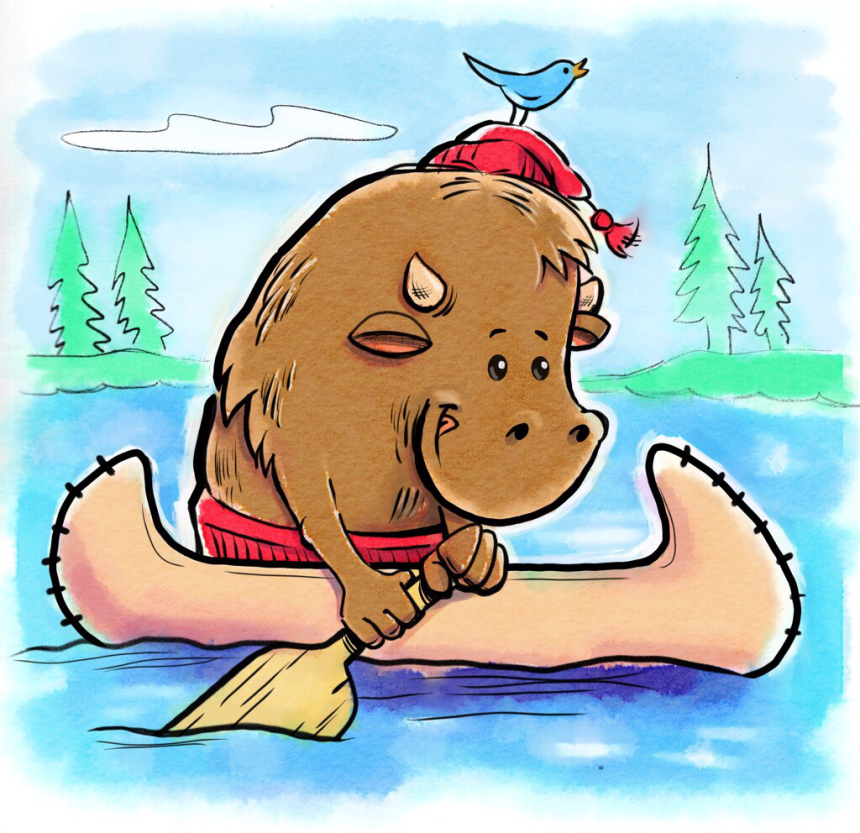
As mentioned in my previous post, I thought the iOS app Waterlogue might be useful for helping out digital paintings. This was my first attempt. He’s a water buffalo! Get it? You pretty much have to be from my home province to fully understand this piece. He’s also a voyageur, one of the early explorers of Western Canada. Complete with a toque and canoe.

The inking was done in Procreate on my iPad.. The original pencil drawing was done traditionally. The flat colour was laid out in Procreate as well. The watercolour effect was then done in Waterlogue. Some touch ups were then done in Procreate.

Enjoy.

Waterlogue for iOS – More than just a pretty portmanteau

IMG_0162.JPG


Not sure why I haven’t heard of this App earlier, but Waterlogue by Tin Rocket is one of the more exciting graphics Apps I have seen in a long time.

For decades, there has been various plugins for Photoshop that mimic watercolour (and other traditional techniques) with usually less than impressive results. They always look, well, filtered. And sure there’s programs like Painter, and Sketchbook Pro that can mimic natural media, but those programs require basic artistic skill and the time needed to paint them. Honestly, you might as well just break out the water paints…

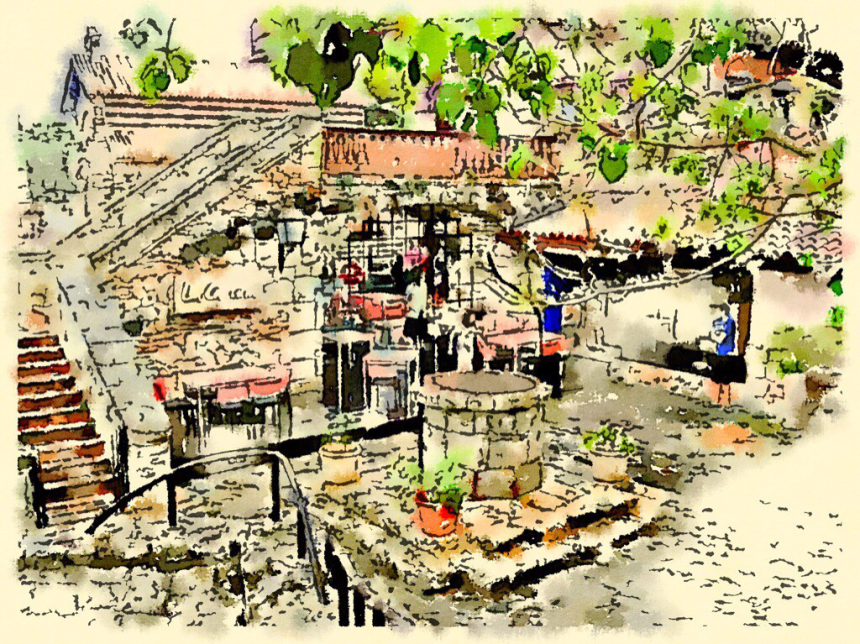
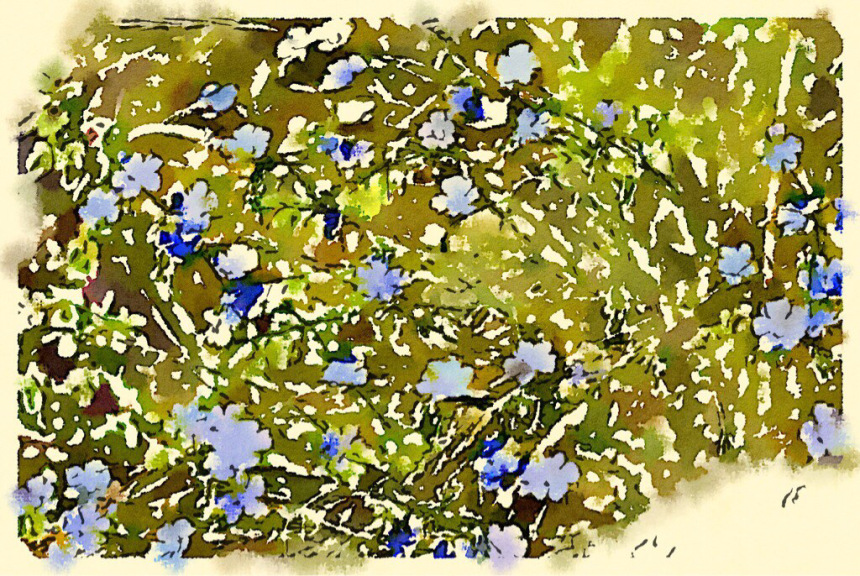
Enter Waterlogue. With just a few clicks you can turn this…
IMG_0179.JPG into this…


The App seems to analyze the image and works up an image in a similar way a traditional painter would. Very cool.

There’s quite a few different presets. My favorites include Travelogue, Natural, and Shallow. It takes a bit of time to render the results. And I don’t think the App works on older iOs models. It is quite cool watching the different renders unfold though. well worth the wait!

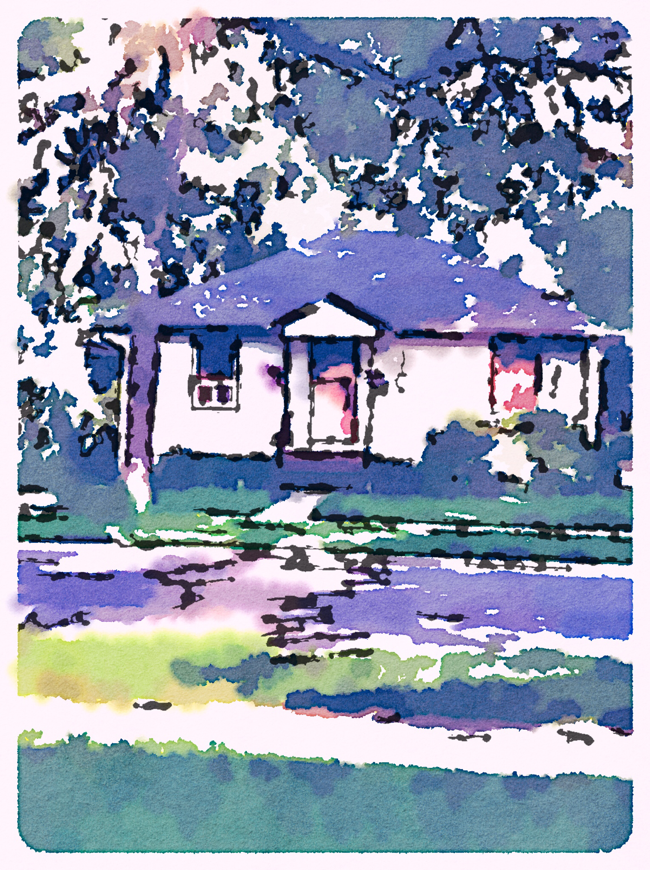
Once I went through the sample images I quickly took a few snapshots to see how it would work with real world results. The results were quite impressive.


Do watercolourists need to worry? Probably not. While very, very good, the end results were still a little photography looking. Where this app could come in real handy would be for students or amateurs who would like to see how a scene could work as a watercolour before you commit paint to paper.

This App would also be great for spicing up imagery for blog posts or status updates. It can easily take a fairly blah image and add some life to it.


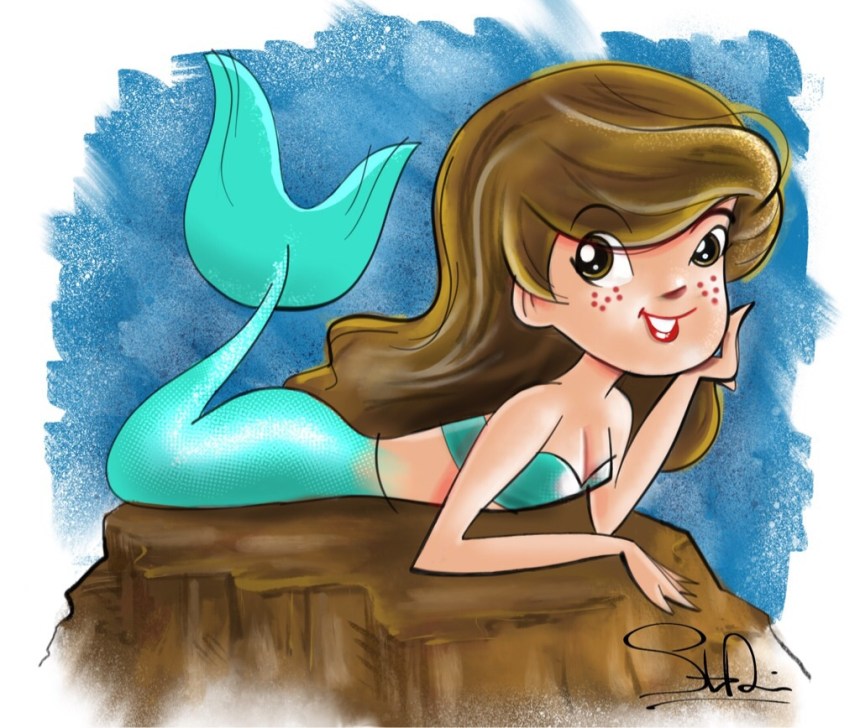
It can also be a great way to make your digital art look hand painted.


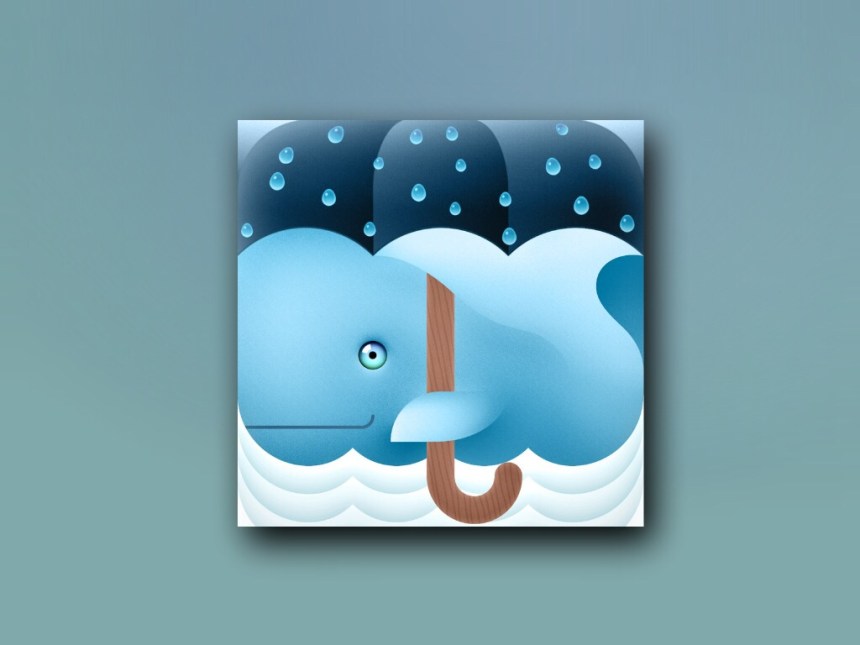
A digital mermaid from a previous post. The original May be found here.


Once you have an image that you are happy with, there are many sharing options available, including Instagram support.

Definitely worth the buy. I’m looking forward to future incarnations of this app. More can be discovered by following their blog. [Waterlogue for iOs]

Image of the Month – August 2014

August_2014


This image of the Month ran a little late due to other commitments and not knowing the fate of this image. Everything has been cleared up, so here we go…

Not too long ago, I discovered that the local Comic Book Convention, the Central Canada Comic Con was having a contest to update their mascot C4 Girl. Now, a lot has been said about artists entering contests and ultimately devaluing art and design, but the Con, while growing, is pretty small compared to some of the big US ones and I doubt they’d have much money to pay an artist for work. And one of the really great bonuses of a contest entry – there’s far less likely to be revisions!

Besides, I had an idea.

With all the hype surrounding the current Batgirl redesign and the stuff Marvel has been doing with their Ms Marvel title, I thought just maybe Winnipeg’s Comic Con was ready for a more sensible portrayal of a female superhero. To be fair, I find it hard to be too critical of female super heroes. I have drawn my fair share of overdeveloped female heroes in the past, and I’m sure they will be more in the future. But I think the world can have at least a FEW heroines that wouldn’t need a specially made sports bra to fight crime.


August_2014A
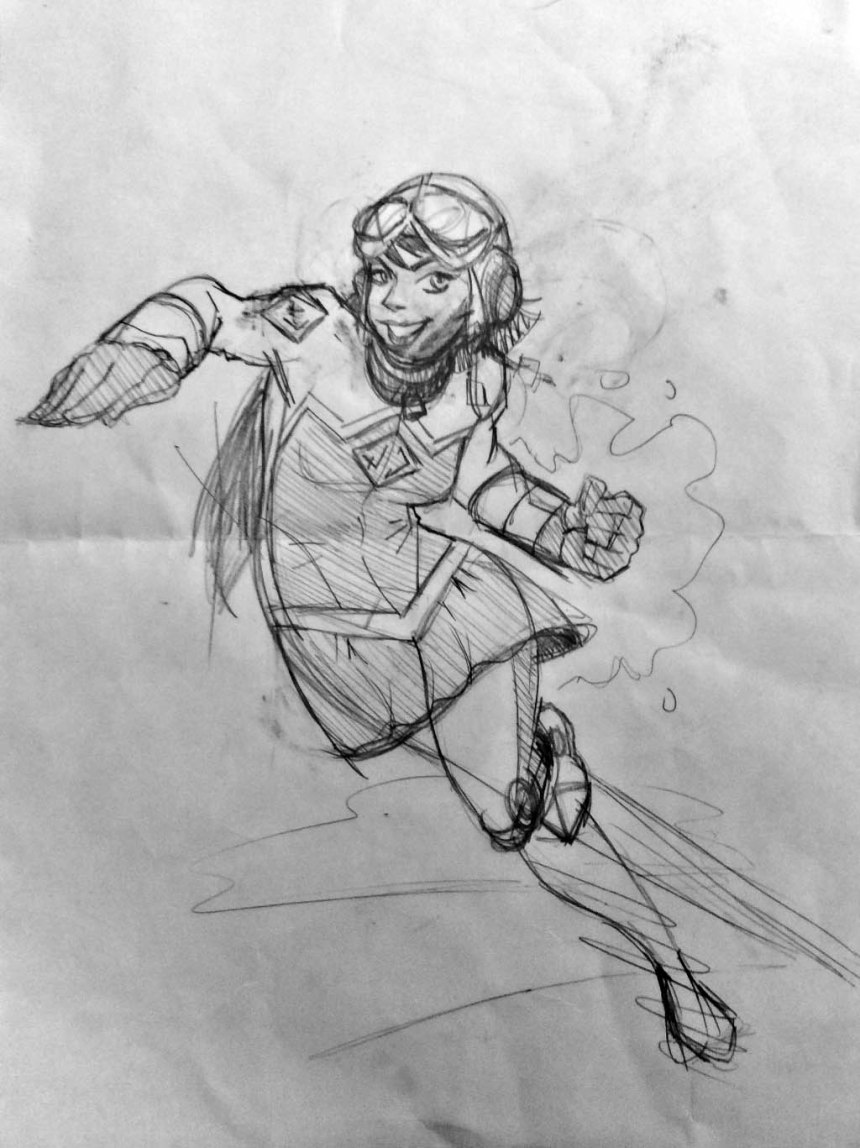
The costume idea came pretty quickly. Here’s what the initial (very crude) sketch looked like. As you can see, there was some issue about the length of her hair. I finally went with a more crime fighter friendly short cut rather than a long sweeping do.


August_2014B

Once I had my sketch, I took a snap shot of it on my trusty iPad Mini and began drawing out the lines and plotting out the flat colour in Adobe Ideas.
Once the line work was complete, I cleaned up some of the lines and added the logo in Adobe Illustrator. Other than making the head a little smaller, most of the line work remained relatively unchanged. Afterwards, I brought everything back to my iPad and started adding some shading and highlights in the Procreate App.
And lastly it was back to the computer for some last minute cleaning up and conversion to CMYK colour should the entry win and they need it for some high end press work.

And then came the rationale:

Erin Douglas exploded onto the Canadian Superhero scene after finding a pair of alien armbands found in her late uncle’s Wolsely apartment. Armed with flight and an explosive super punch, Erin took to crime fighting under the name of C4. Whether chasing down muggers in Winnipeg’s North End or battling alien invaders in deep space, C4 uses her wits, powers and a healthy dose of luck to bring evil doers to justice!

What other Canadian Heroes are saying…

“You go girl!”
– Nelvana of the North

“Anyone see my aviator googles?”
– Johnny Canuck

“Was a great help with that alien invasion!”
– Captain Canuck

“Nice uniform!”
– Guardian

“Listen bub, first Kitty, then Jubilee, and now Rogue in the movies. The last thing I need is another brat tagging along! Even if she packs a wallop!”
– Wolverine

And now the real story…

I first found out about the contest online on Facebook. While I do not consider myself a comic book artist, my art style is heavily influenced by comic illustration. It seemed like a fun little side project.

My version of C4 is heavily influenced by the costume stylings of the new Batgirl. I wanted something, functional yet still something a comic book heroine would wear. I also wanted to take a stand on the way women are generally portrayed in comics. The colours are in keeping with the ComicCon’s colours and are used in similar ways to both Marvel’s Guardian and Comely Comic’s Captain Canuck, two iconic Canadian superheroes. The WWII aviator googles were a fun add-on that really help bring out the personality of Erin and was partially inspired by the main character in Hayao Miyazaki’s Nausicaä of the Valley of the Wind. This gives Erin’s C4 character (and by extension, me) some much needed nerd cred.

I figured that was worth at least an honourable mention.

A rationale wasn’t requested, but I thought it would be a good idea as I wasn’t drawing your typical heroine and I wanted to make certain people knew that. I cheated on the name though. I went online to a name generator and kept hitting “Enter” until I got something I liked.

EDIT: Shortly after I wrote this post, the results of the contest were in. My character design wasn’t chosen, but the Convention will be auctioning off prints of all the entries. Leaving me free to do whatever I want with the character. I might do something with her. No idea what as I have proven that I neither have the time and patience for a prolonged comic. We shall see.

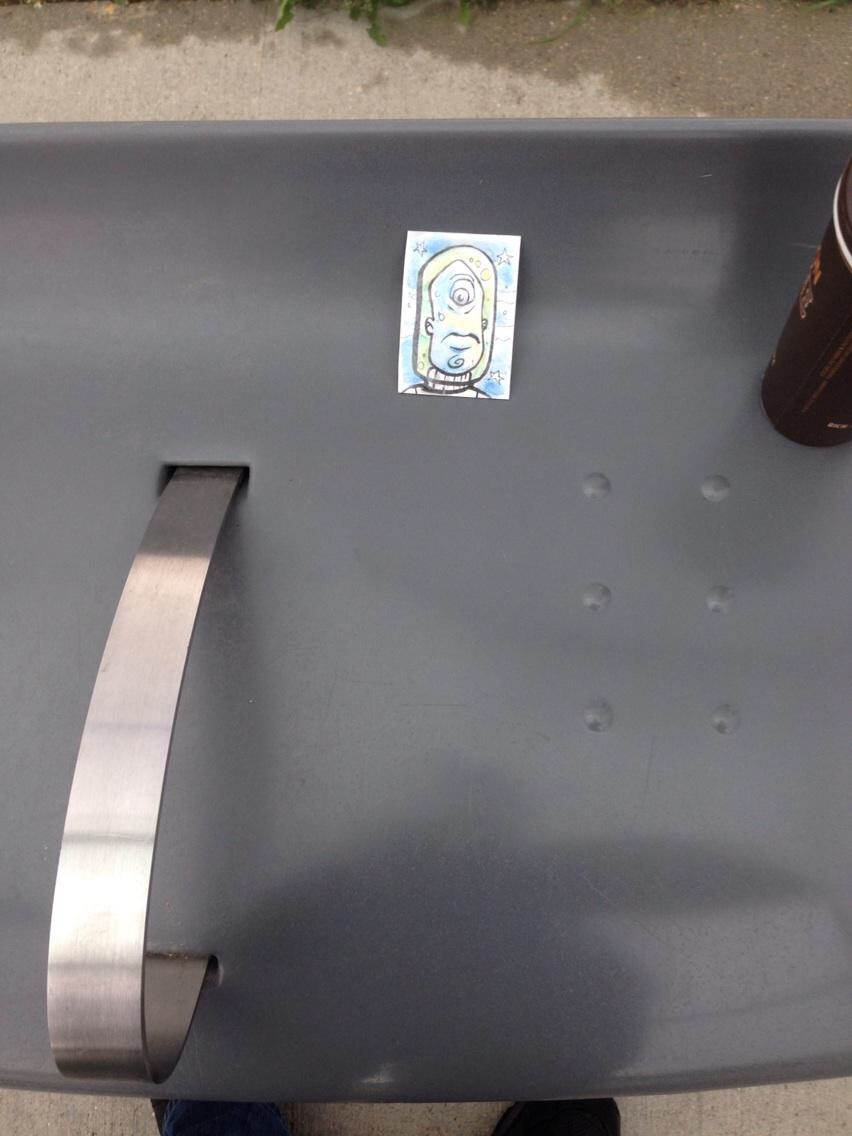
My First World Art Drop Day

image


This past week, I participated in the first World Art Drop Day. It was invented by Jake Parker, the same artist responsible for the month-long drawing challenge Inktober.

The concept is simple. Create some art. Hide it somewhere in your area. Take a picture of the location, post it online and give hints about the location on social media like Twitter, Facebook and Instagram. Use the hashtag #artdropday so others will (hopefully) find your art stash.

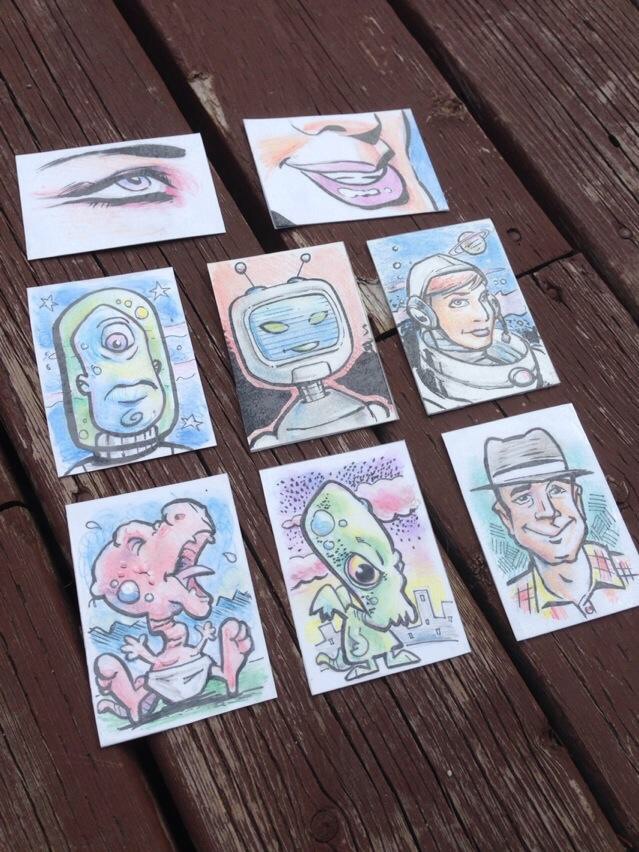
Sounded like a cool idea, so I created a bunch of painted art cards and then quickly laminated them since they’d be outside for an unknown length of time. Turned out to be a pretty good idea. If anyone is interested, they were and ink drawings with water colour pencil crayons. Was quick and easy to do in the evenings after the munchkin went to bed.

I didn’t really have any real plans of where I was to hide the cards when the day came. I made note of some local Geocaches in the area. I figured that would be a safe bet as the art would eventually be found if it nobody else in Winnipeg was paying attention to either Art Drop Day or me. Turns out at least a few were.

I also walk my son to his daycare every day in the summer months and then walk to my place of work. I managed to hide two that way.


image

This one was in a Metro news box by a Tim Horton’s (I AM Canadian ‘eh!) I figured at least the guy who empties them out at night would find it.


image

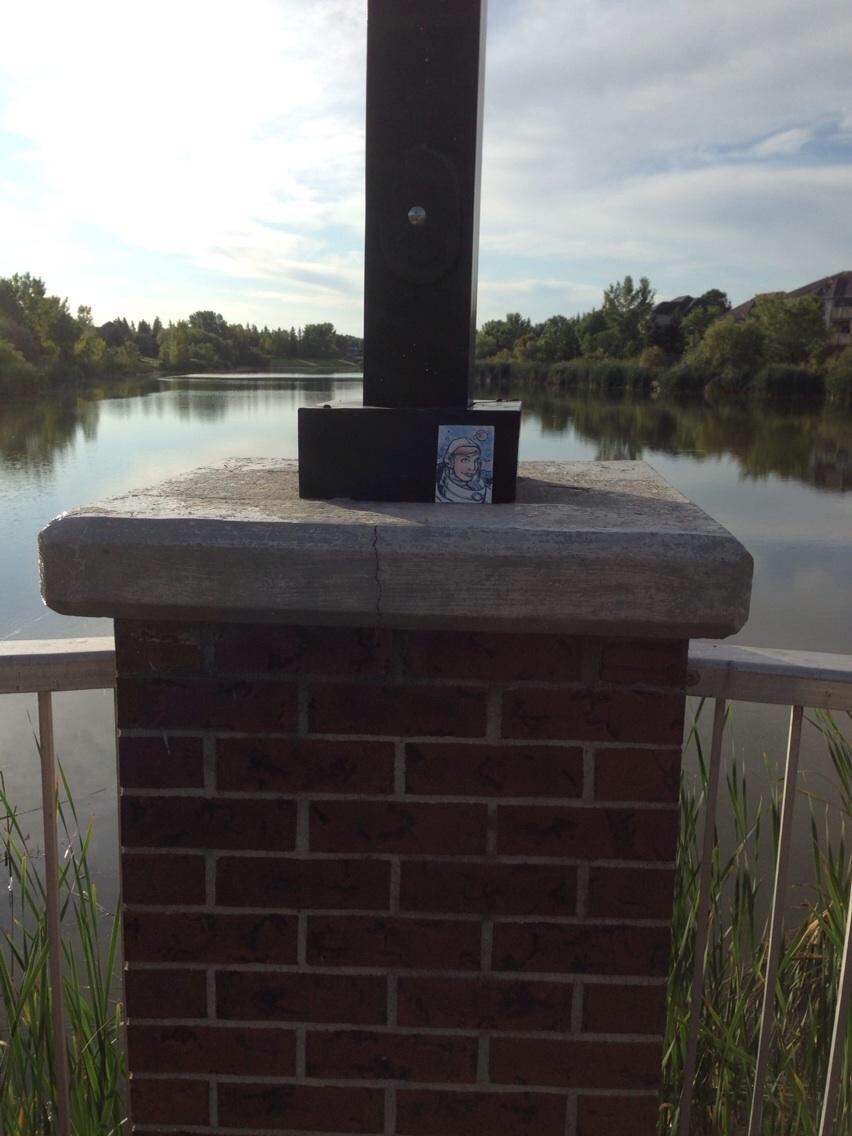
This one was by a water retention pond by my son’s daycare. It was just out in the open. Turned out to be an error in judgement. It poured buckets and buckets of water in the afternoon. It was not forecasted for. I thought it was destroyed. And it was one of my favourites. I checked the next day, and while really, really drenched, it was still in pretty good shape. Should dry out nicely. I took it back as a reminder to have a better plan (and potentially drier spots) for next year.


Did I mention it rained? A lot? And I walk to work? And I still had a bunch of cards to hide?

Yeah, I got really, really wet. Good thing I pack rain gear. But it was still a lot of water.

I had to leave early for work that day, so my plan was to hide a few more along my way and then maybe hide whatever was left in a geocache sometime later.

The torrential rain changed my plans very quickly.


image

I hung out in a bus shelter during the worst of it. And hid a card in there. In case anyone was wondering, I had no change for the bus.


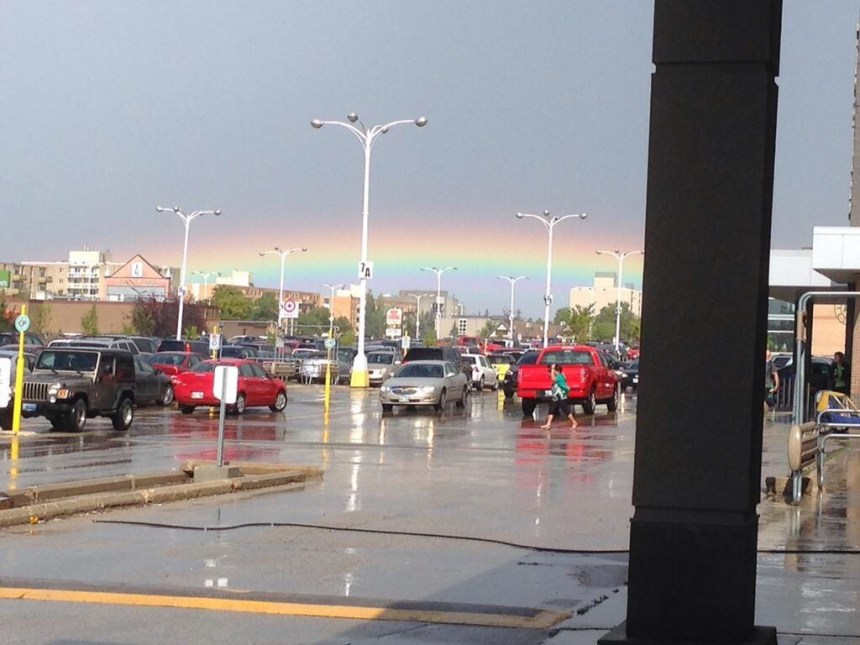
image

This was right after the rain. Looks Like EVERYONE was doing stuff for World Art Drop Day!


And long after I had dried out, I was hanging out in a local bookseller, McNally Robinson. And I found what I thought was a clever hiding spot for one of my cards.

image


I’m pretty certain at least some of my other cards were found. I put info regarding Art Drop Day on the back along with my website info. Got a few extra local hits that night. So not a total wash (see what I did there?) but it does mean I have a few extra cards left over.

Oh and to the jackass in the Dodge Challenger who tried to splash me? You missed. Pththththththhtththththtp:P

So I’m thinking maybe vinyl stickers next year…

Bored at School

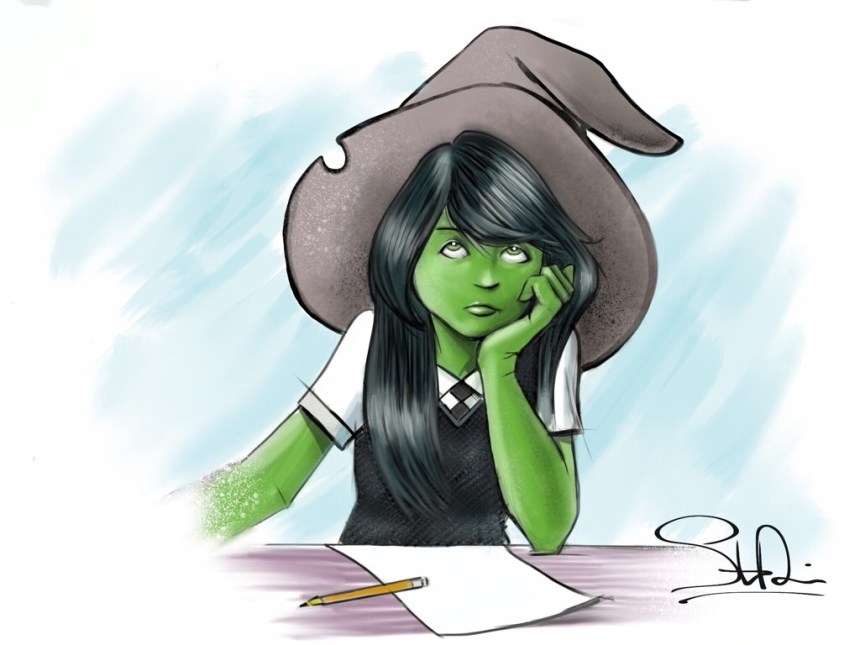
IMG_0100.JPG


Here we have a young Wicked Witch of the West, bored at school. Inspired by the book, Wicked: The Life and Times of the Wicked Witch of the West.

This image here was originally a sketch submitted to the Twitter account @Sketch_Dallies. I have since fleshed out the sketch. Enjoy.

Procreate for iOS

20140805-200832-72512337.jpg


I’ve been playing around with the Procreate App or iOS tablets. It has got to be the best digital drawing experience to date. While not perfect, it has become my go-to drawing app.

20140805-200832-72512288.jpg
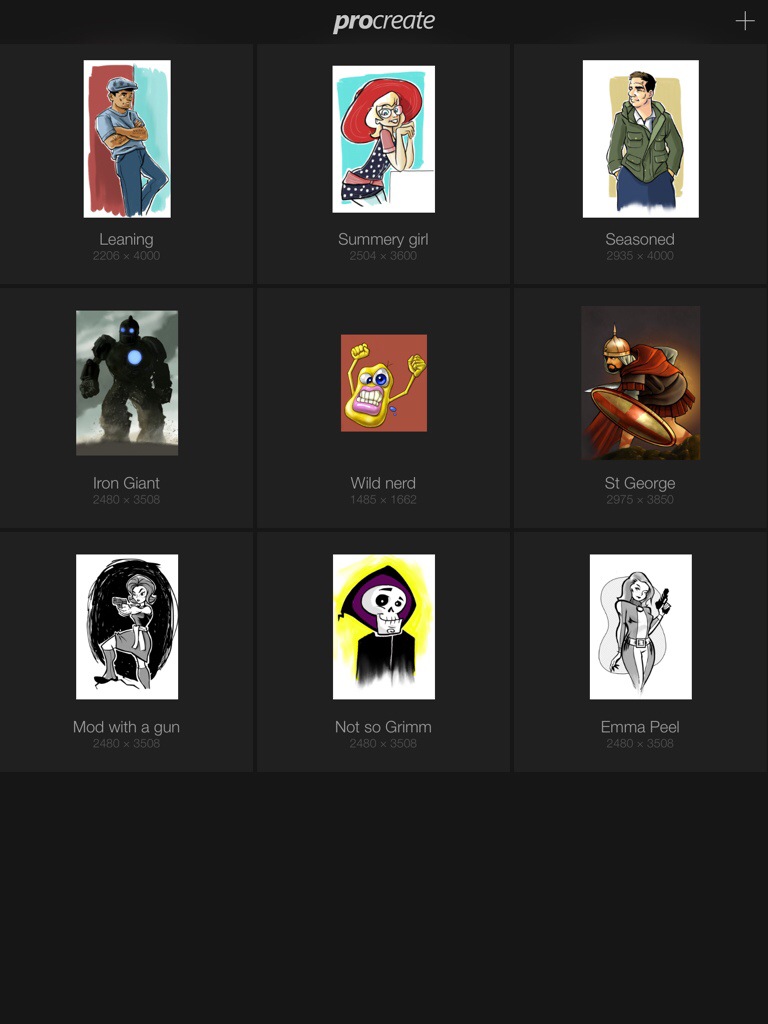
The opening screen in Procreate. Here you manage and organize your files.


When you open the App, it takes you to a gallery view. Here you can select the image you want to work with, create a new image, or import an image you have made from another program. You can import images from your camera roll, iTunes library or from Dropbox. You can also manage and organize your drawings from this screen. You can even change the orientation of drawings as well. Cool!

Once you have selected your image, you are then taken to a fairly minimalistic screen where all the action happens. Here you can chose your brushes, colours, manage layers, create selections and move objects around your canvas. There are many gestures you can use to speed up the drawing process. Most of those gestures come naturally and are similar to other drawing apps. There’s a pinch zoom, and two finger swipes for undo’s for example. The most amazing feature on this UI is the canvas rotation. You can rotate your canvas using a two finger twist. This is helpful as when drawing in real life, it helps to rotate your drawing around. You can now mimic this on your tablet. I find another benefit to this is the quality of line. I find sometimes the line gets a little shaky when daring certain angles. Not to sure if this is a hardware hiccup or me! Either way, rotating the canvas can help. I find the animation for canvas rotation to be very smooth and responsive on my iPad mini with Retina display.

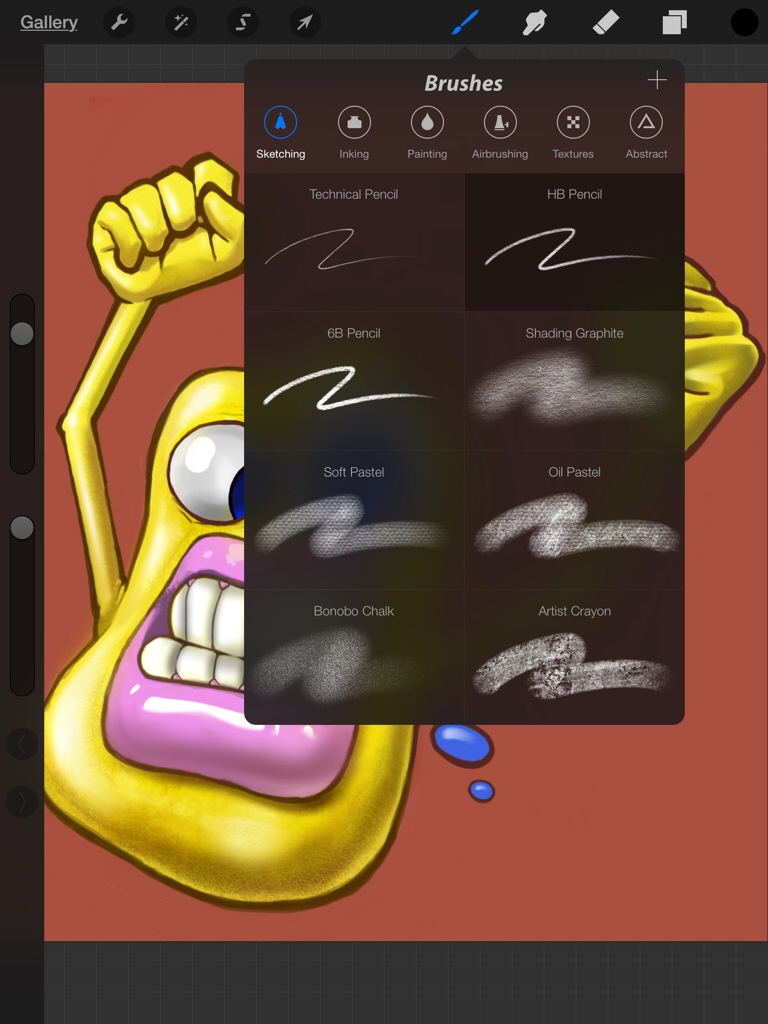
There are quite a few built-in brushes for drawing and painting. There is also a complex brush designer to make your own custom brushes. You can also share and download your custom brushes. All of the brushes are available for blending and erasing as well as drawing.

20140805-200832-72512206.jpg
Procreate offers a very comprehensive brush engine.


You have layers to work with, but the number of layers you have available is dependent on how big your canvas is. The larger the canvas, the fewer the layers. I imagine this is a limitation of the hardware. You’re not working on a souped up desktop or laptop with a huge hard-drive and maxed out RAM! But I’m an old-timer, where you couldn’t use a lot of layers in Photoshop. The computer would grind to halt with any more than 3 or 4 layers. And the version of Photoshop I learned on, v2.5, didn’t even have layers. So limited layers in Procreate is hardly a deal breaker for me.

You have layers to work with, but the number of layers you have available is dependent on how big your canvas is. The larger the canvas, the fewer the layers. I imagine this is a limitation of the hardware. You’re not working on a souped up desktop or laptop with a huge hard-drive and maxed out RAM! But I’m an old-timer, where you couldn’t use a lot of layers in Photoshop. The computer would grind to halt with any more than 3 or 4 layers. And the version of Photoshop I learned on, v2.5, didn’t even have layers. So lack of layers isn’t much of a deal breaker for me.

As for filters and effects, there are a few. Each layer can have effects applied such as Multiply and Lighten. Photoshop users should be all too familiar with them. There is also a Gaussian blur and sharpen effect as well as some Curves colour adjustments.

I only have three complaints. The first is the built-in inking tools. I’m not using a pressure sensitive stylus, and the stokes don’t seem to quite translate from how I think the brushes should act. Thankfully, there are other Apps that I have found that can deal with line art the way I would like to work. Second, is a lack of basic shapes such as straight lines, circles and squares. Straight lines, I can always find a ruler to use, but it is nice to be able to draw perfect circles without all the extra effort! And lastly, the ability to import Photoshop files would be nice. I have quite a few backlogged images I would like to finish up, but I just haven’t been able to due to family commitments. A big reason for me getting a tablet was to enjoy time with my family and not be locked in the basement on my computer all the time. Getting those unfinished images on my tablet for completion is a priority for me.

There is a workaround by exporting your layers as PNG files with transparency and then rebuild all your layers in Procreate. For basic images, this will work. More complex images with be a problem. Though, if you are doing more complex imagery, tablet computing may not work for you.

20140805-200832-72512100.jpg


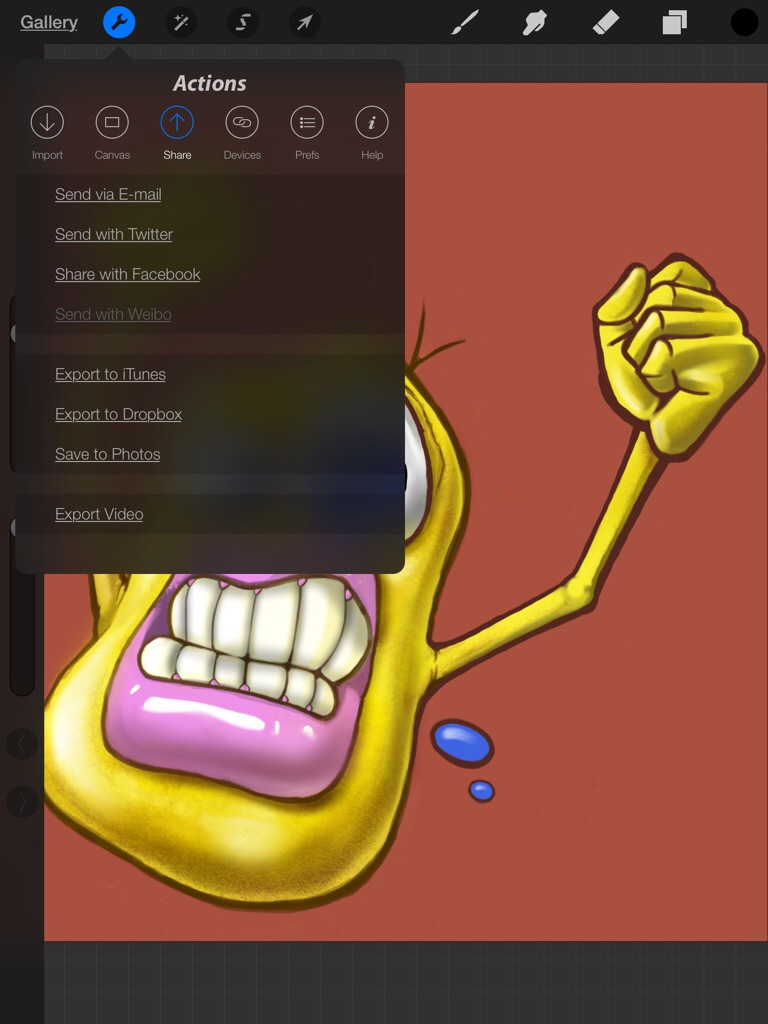
Once you have finished your masterpiece, there are plenty of options for sharing you work online. Or you can just add the image to your camera roll or Dropbox.

Enjoy. [Procreate for iOS]

Image of the Month – July 2014

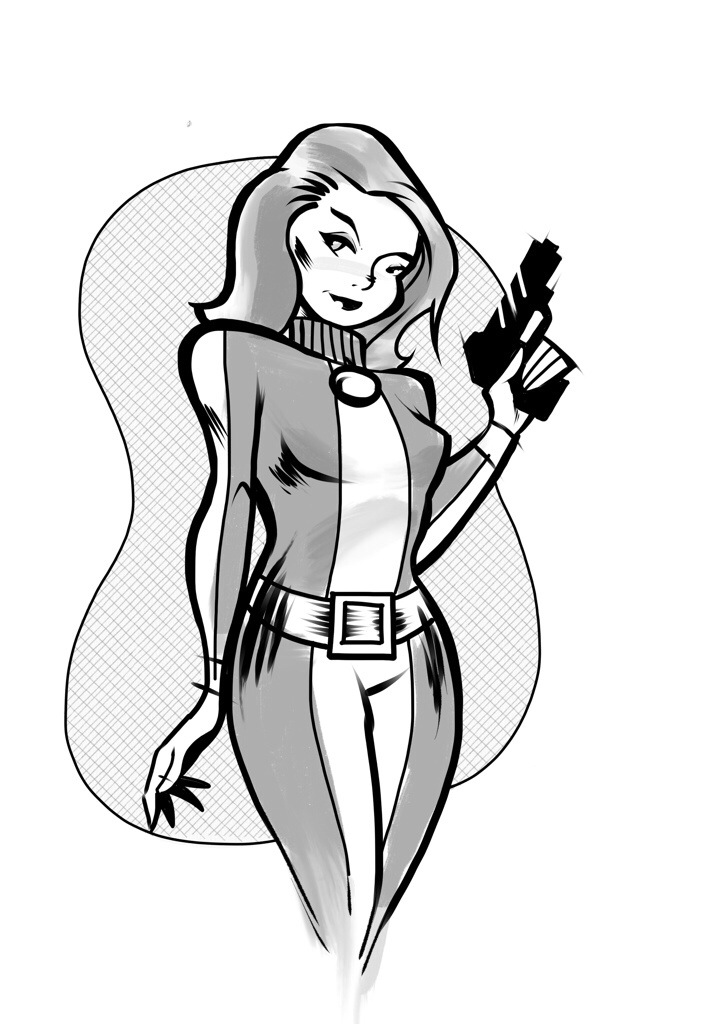
20140713-195933-71973041.jpg


While this isn’t my first image created almost entirely on the iPad this is my favorite so far.

I wanted to do a series of images for the Image of the month section of my blog for the summer. For a theme, I settled on TV Femme Fatales of the Sixties. The first one in this series is Emma Peel aka Dame Diana Rigg of British TV’s The Avengers. I’m a bit too young to have caught the show during its original run, but I’ve aught the sbow on reruns a few times. And like many a goung man, I was captivated by her strenght and sex appeal.

It’s interesting that in this retro style of drawing, she would up looking quite a bit like Natalie Dormer, which makes sense as she plays the daughter to Diana Rigg’s character in Game of Thrones, so I left it as is.

Starting off as a sketch, I used the iPad’s camera to take a shot of the sketch. This was my scanner replacement. I then opened the image as a background layer in Autodesk’s Sketchbook Ink and used the tools in that program to ink out the black lines. I then exported the image to my photos library at a fairly high resolution.

I then imported the image into Procreate App to quickly throw in some greyscale inl washes and add some extra detail to the image.

The background pattern was a fill pattern from the Sketches program imported as a layer in Procreate.

All in all l the image turned out rather well. And it shows that fairly polished images can be created solely on the iPad.

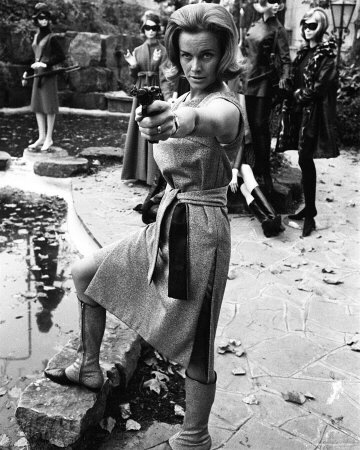
After originally posting this image to Twitter, someone posted this image as a reply:


20140713-195933-71973094.jpg


It’s the right era, but I have no idea where the image is from. It inspired me to make this drawing:


20140713-195932-71972968.jpg


Enjoy.

A Designer’s Guide to Flexo Printing – Part V

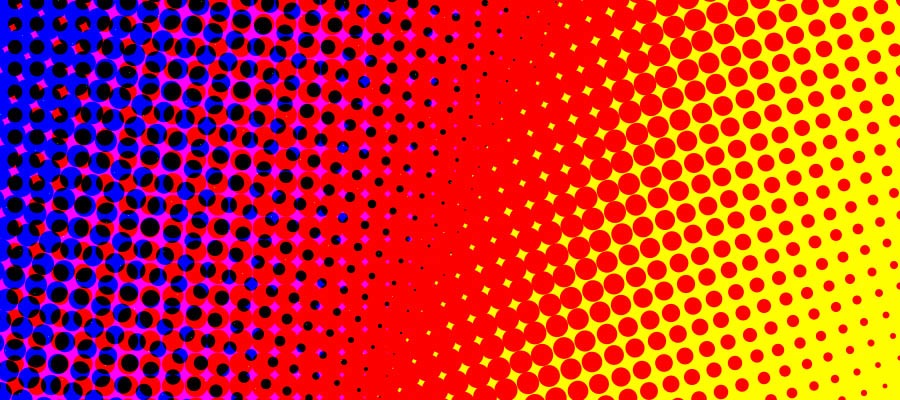
Halftones


This is the final part of a multi-post story on flexography for the designer. You can read more of my previous posts on the subject herehere,  here, and here.

Part V – Wrapping Up

I’ve really on just touched briefly on a lot of tricks designers can use to make things easier on press time. The things I’ve blogged about will reduce spoilage and get your designs onto presses faster, as there will be less time taken up by technicians “fixing” your mistakes. And it will create a better looking product for your customer.

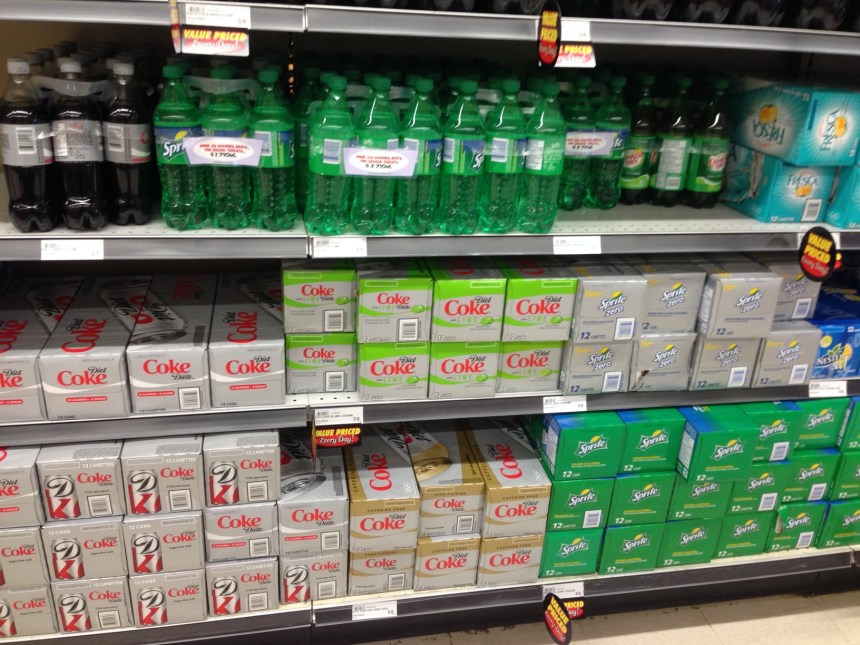
Which leaves me to my last bit of advice. Research. Research. Research. The grocery store is full of things that are printed Flexographically. Just about any decent brand name potato chip bag or soft drink label covers everything I’ve written on this subject. Seeing what other people have done with their flexo designs will help you out in making your technical decisions.


Just about every aisle in the grocery store has at least SOMETHING printed flexographically.

Just about every aisle in the grocery store has at least SOMETHING printed flexographically.


You can get more information by following this link. I am in no way affiliated with this organization, but they appear to be one of the few people who have ever posted a great deal of technical information regarding printing and design specs for flexo printing on the Internet. I find some of the information regarding the set up of computer files to be a tad dated, but the rest of the information should give you a clear understanding of the state of flexo printing. It also goes into a great deal more depth into typical line thickness and other press tolerances than I have. It is no substitute for dealing with your specific printer, but will help you out if you are in a bind and need info right away.

Enjoy.