Graphic Design and Illustration.

Posts tagged ‘arts’

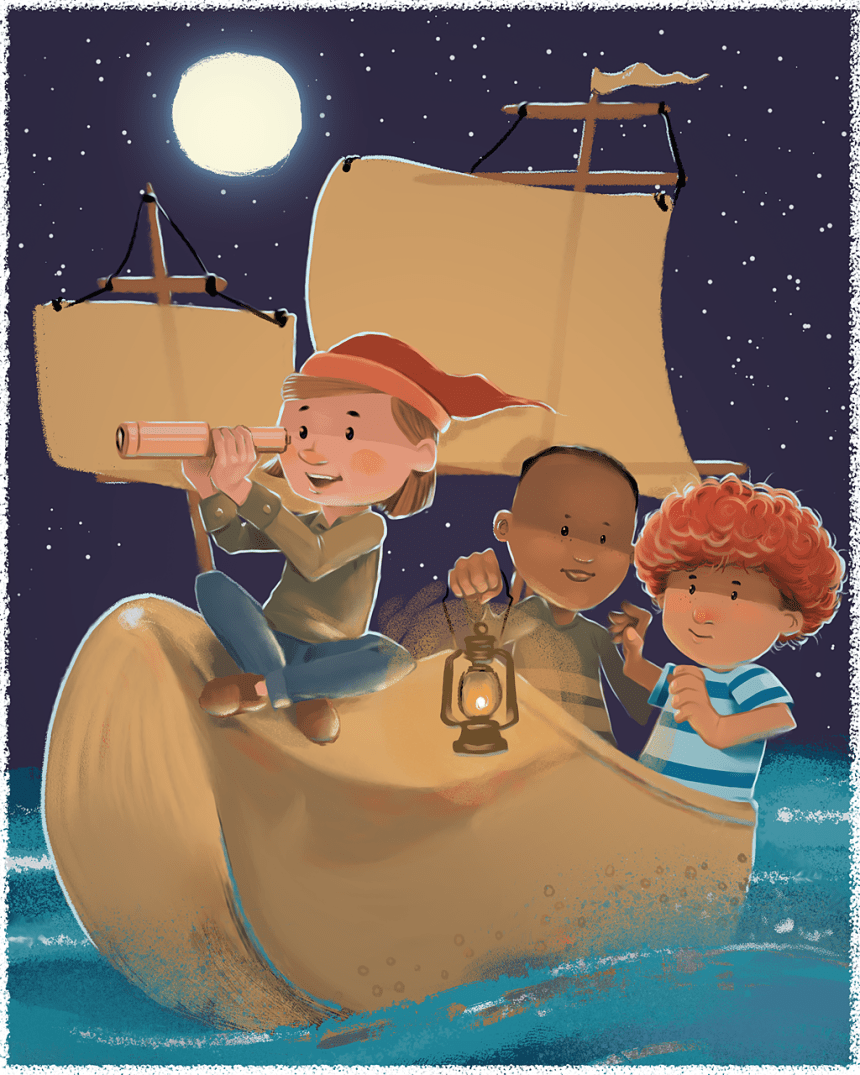
Winken, Blinken and Nod


Inspired by an old children’s poem. This one at first glance seems like quite a departure from my normal children’s illustration style, but all I am doing is using a more opaque colour palette and removing much of my line work. Sometimes small things can have a profound change on your illustration style.

Playing around with the textures was fun too. Enjoy!

Image of the Month – April 2015

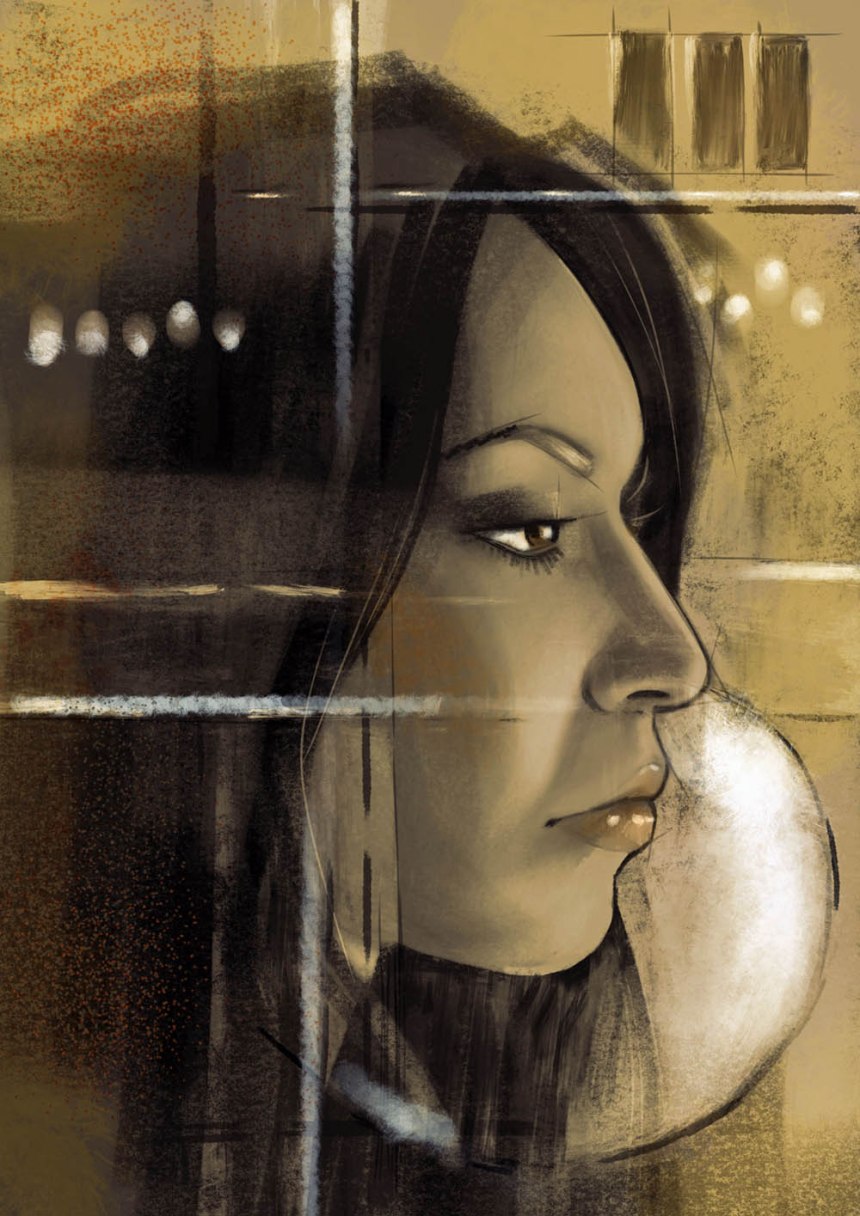
Woman's profile


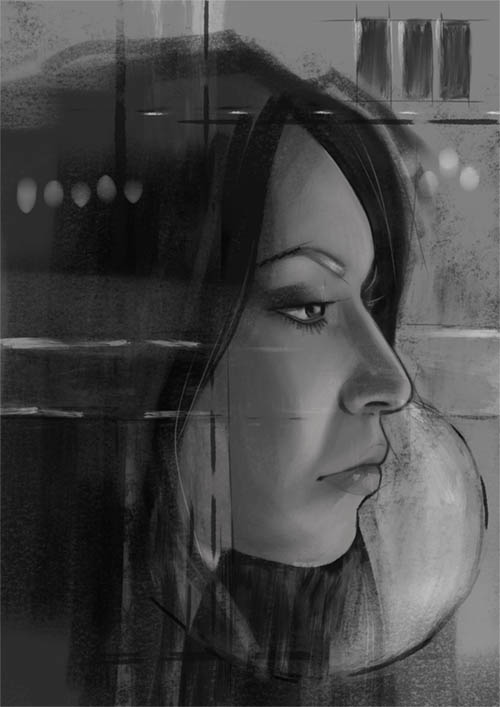
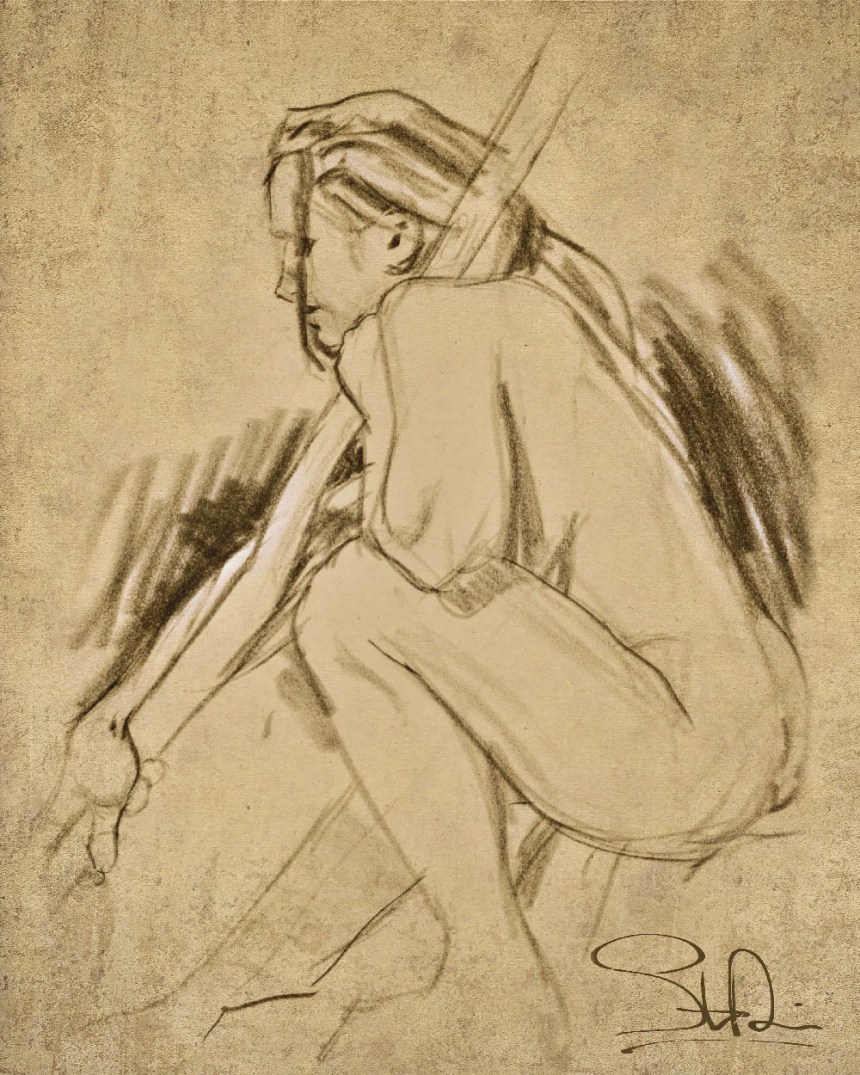
This piece was done almost entirely on my iPad using the Procreate app. It was originally black and white only. All the colour info and a little bit of texture was added in Photoshop afterwards. And some white was added in for more contrast.


The original image created on my iPad.

The original image created on my iPad.


I love drawing the human face and profiles are pretty easy to do. Even fairly realistic ones like this. And on a side note, I drew this out while watching Guardians of the Galaxy.

A print of this image may be made on Society6. Enjoy.

This Month on Society6 – February 2015

After joining Society6, I discovered there was quite a bit of art on the sight. Some quite good. But it could take quite a while to wade through all that work. Even with the site’s discovery features, it can be quite a daunting thing to find stuff you like. Every month I’ll be posting some links to works I think are worth while.

This first month I have a nice selection of abstracts, traditional and some modern, pop art. Enjoy.


Abstract Painting by Pimpinella Art


Untitled (Landscape) 20130913a by Tchmo


The Sea Glass Owl by Abby Diamond


Teddy Bear by Nicole Cioffe


Way Into The Bog by Andreas Wemmje


La Fraise by inkroyable

Image of the Month – February 2015

February_2015


While it may come as a surprise to some to see such an abstract work posted as one of Images of the Month, but in my day job, I do put together quite a few abstract backgrounds and patterns, so it was fun to really cut loose and see what I could come up with. About 50% of this piece was put together in Photoshop, the rest on my iPad using Procreate.

A print of this work may be found here. Enjoy.

I finally went and did it! Society6 art prints up for sale.

society6_logo_white


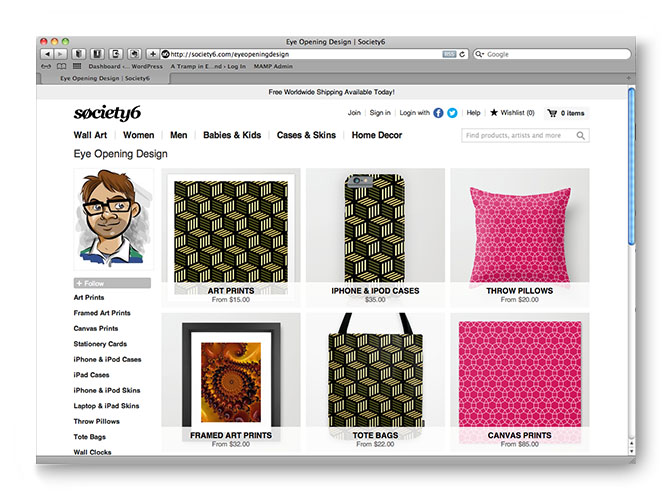
After much debate, I decided to set up shop at Society6. It specializes in selling art prints of artists work along with a bunch of other merchandise such as iPhone cases and throw pillows. You can even get shower curtains and tote bags as well! For now, I am sticking mainly with art prints and a few other items that lend itself well to the style of art I will be posting there.

Society6 tends to cater mostly to other artists, so much of my cartoon-styles artwork probably won’t make it to the site, but you will find a lot of exclusive content that hasn’t made it to my blog or portfolio. So click on the link below and check it out!

Enjoy.


Society6

Art Prints (Slightly NSFW)

Life Drawing

For quite a few years I’ve been attending a Life Drawing Open Studio to keep up with my life drawing skills. I’ve been stockpiling images for years. Now I’m going to do something about it. So for now, art prints can be ordered though my DeviantArt account from here. All it took was a little photoshoping to add some extra textures. More prints will become available as I add them, so check back often!

Enjoy.

This slideshow requires JavaScript.

Image of the Month – January 2015

dragon


Back at the end of 2013, I created a drawing challenge for myself called Drawcember. The result was a bunch of pencil or ink drawings. This dragon sketch was one of them. I then brought the pencil into Procreate’s iPad app to colour it. A bit of texture was then added in Photoshop afterwards. Enjoy.

A Very Merry Art Trade – Image of the Month for December 2014

VMAT_2014


This year I signed myself up for VMAT or a Very Merry Art Trade. It is run by a couple of illustrators that I follow on Twitter. While my schedule as of late has been pretty hectic, I figured I could find some time.

The premise is simple. You sign up via email before the selected due date and people are then randomly paired off. You have until Christmas Eve to get your piece of art into the mail. The whole process is run through a website cslled Elfster. It basically runs Secret Santa gift exchanges for groups. You can setup wishlists and ask questions to your person to see what they want for Christmas if you want. Or you can just do whatever you want to do. I chose the later.

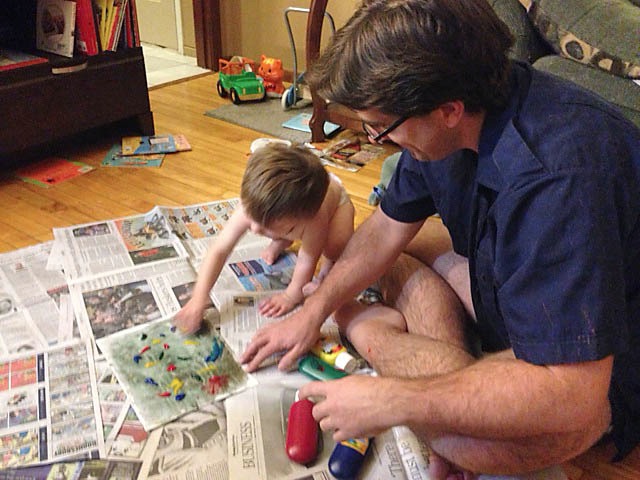
The last art swap I participated in I managed to enlist the aid of my son. I figured this one would be no different.

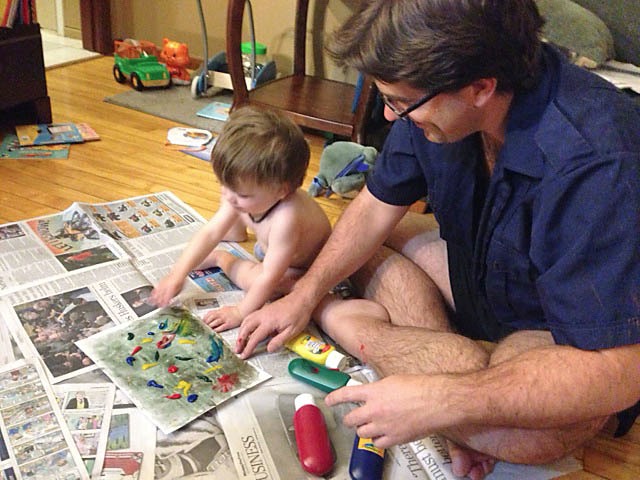
I quickly and very lightly put in some washes on canvas paper using Prussian Blue and Cadmium Orange. This created a nice neutrally grayish green ground. And then I broke out the finger paints and let my son have at it.


photo 1


This was the painting before my son did his handy work.

photo

photo 2


Then I went out and quickly (perhaps too quickly) sketched out what I was planning to paint on a separate piece of paper. It seems I keep settling on a wild life theme for art that I randomly send out to people. I later transferred the drawing to my pre-painted background.
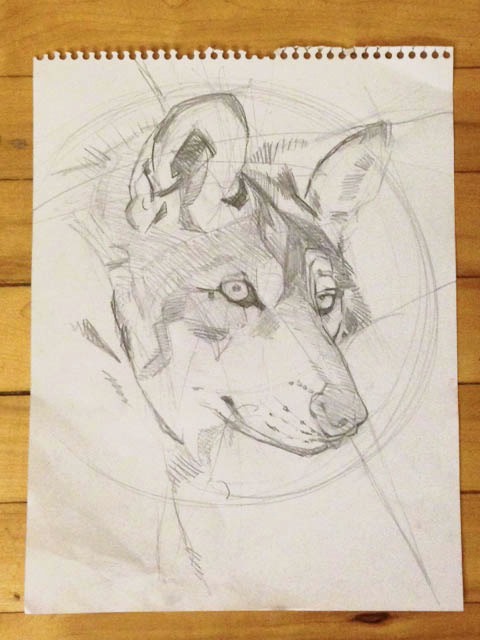

photo 4
A picture of the initial sketch. I’m kicking myself for not taking any more process shots. It was usually late when I got the chance to work on the painting and I was rather nervous of it’s outcome.


After laying out some white, I started out by drawing out the basic shapes and some shadows using Paynes Grey and Prussian Blue.

Side note: I tend to not use oil paints when painting as I do not have a sense of smell (not kidding) so playing around with turps makes me a little leary. For this painting I used primarily acrylics.

A lot of changes were made from my original drawing. Mainly, the snout was too long.

Once the main highlights and shadows were established, I then stared working in the colours. Using mainly Red and Yellow Ochre, Prusian Blue, Raw Umber, Paynes Grey and Titanium White. Darker details were added using a combination of Mars Black and Raw Umber. Gold paint was added in a few spots for effect.

Afterwards, I blotted a lot of darker colours around the edges of the artwork to create a vignette. This was at the urging of my wife, photographer extraordinaire, who felt the focal point had to be stronger. Then I used a tea wash to help artificially age the work. To make the wash dark enough, I used one half cup of boiling water and three tea bags. This wash was then painted on in little dabs all over the artwork avioding the main focal point of the painting.

Once everything was dry, I used a white gell pen and my trusty Pentel Brush Pen to refine a few small details and sign the artwork.
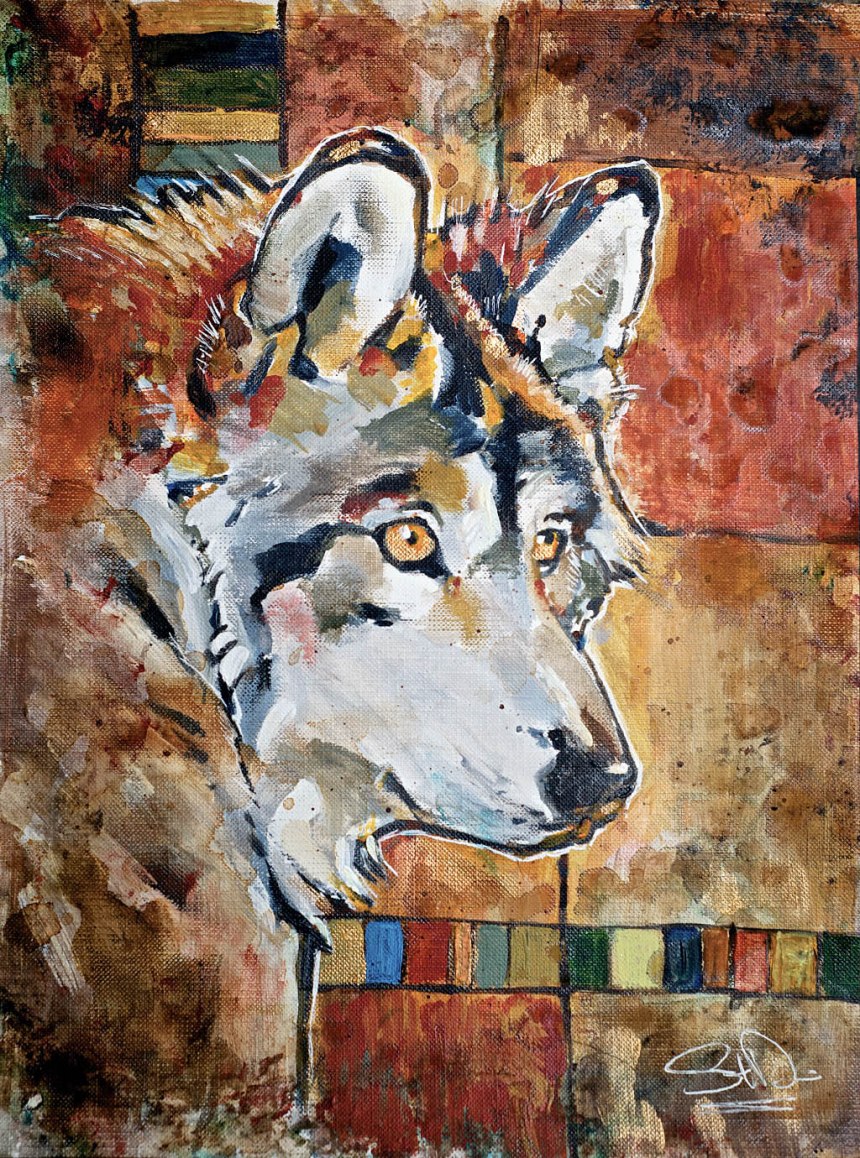

Final


Hopefully the work will be well recieved by my recipient and it will be in one piece when it arrives. I am also anxious to receive my art gift as well. I will post once I get it.

It is possible that my illustration may go up for sale as a print in the new year. I guess that means I’ll have to come up with a name for this guy. Summer Wolf perhaps? Or just maybe Fred? I’m terrible with names. We shall see…

Enjoy.

Image of the Month — September 2014


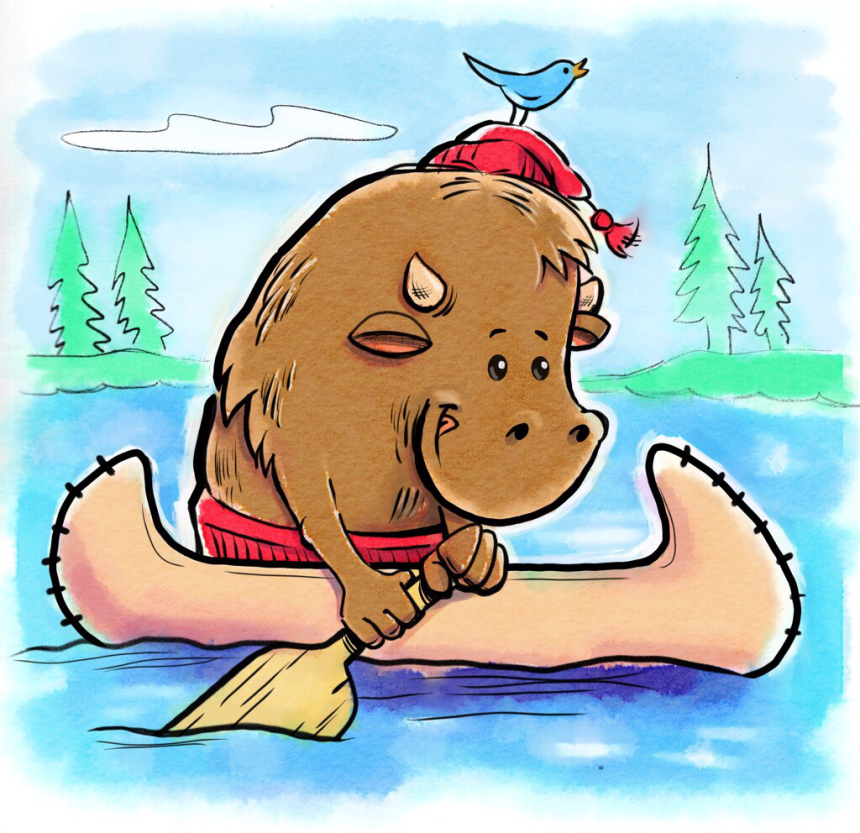
As mentioned in my previous post, I thought the iOS app Waterlogue might be useful for helping out digital paintings. This was my first attempt. He’s a water buffalo! Get it? You pretty much have to be from my home province to fully understand this piece. He’s also a voyageur, one of the early explorers of Western Canada. Complete with a toque and canoe.

The inking was done in Procreate on my iPad.. The original pencil drawing was done traditionally. The flat colour was laid out in Procreate as well. The watercolour effect was then done in Waterlogue. Some touch ups were then done in Procreate.

Enjoy.