Graphic Design and Illustration.

Posts tagged ‘art’

Drawcember Update – Week 4

Well I am almost done! Just a few more days. This was a tough one with Christmas in the way and with both myself and my son Aiden under the weather.

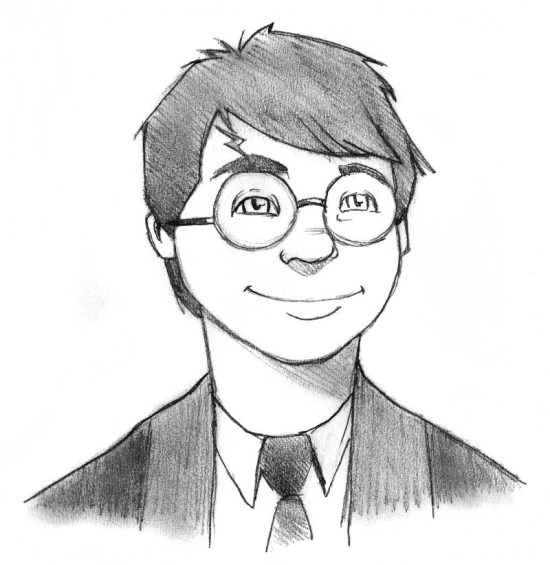
Harry Potter

These are my interpretation of the main Harry Potter cast. There was a Harry Potter marathon on Space Channel this past week. Was inspired. This on is of course Harry.Hermione Granger

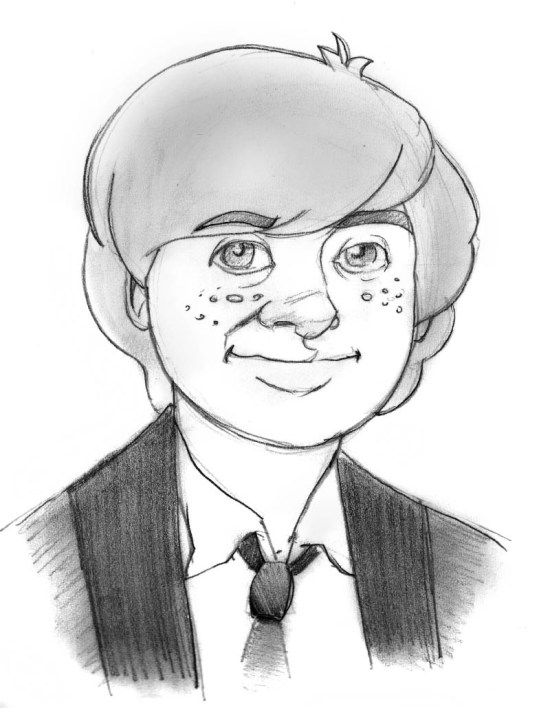
Hermione Granger.Ron Weasley

ANd of course, Ron Weasey.Merry Christmas

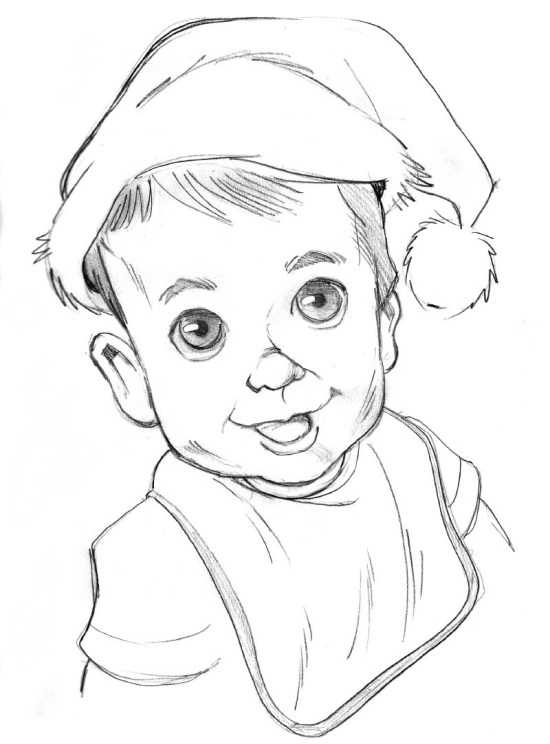
I actually found some time on Christmas eve to draw this!
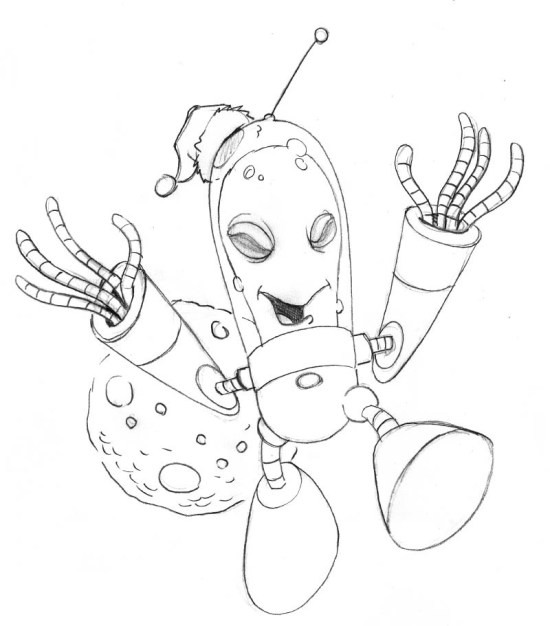
Happy Spacemas

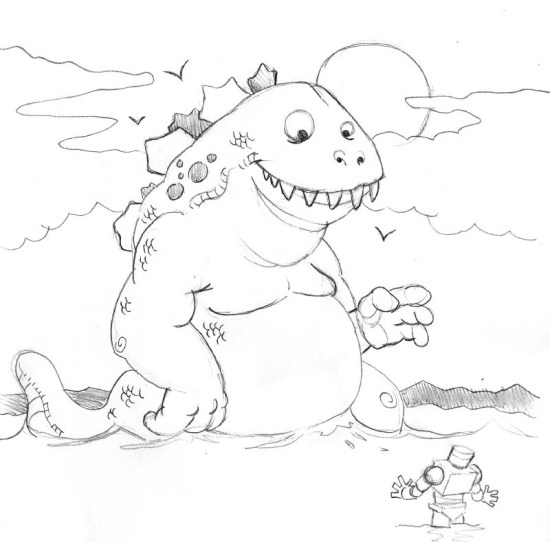
I was kind of of desperate on Boxing Day to draw something. This was all I had.Cartoon Monster

Someone needs a bigger Jaeger.Weird Lizard Thingy

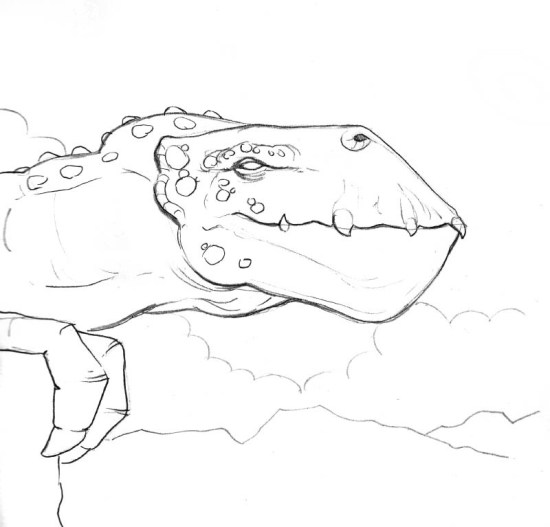
Some weird random lizard thingy. Very spontaneous, stream-of-conscience image.

Drawcember – Week 2 Update

So here’s the second week of my daily drawing challenge. It was a bit tough this week as my work days were pretty hectic. I even forgot to post to Twitter for one of the days.

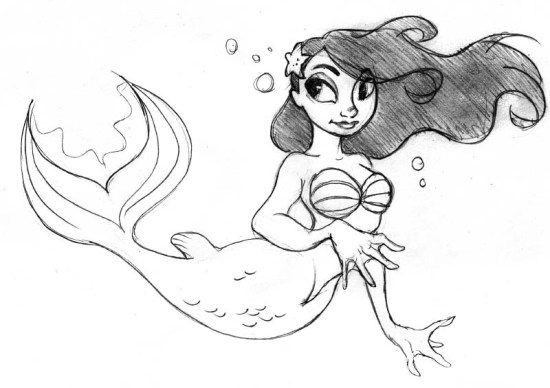
Dec_08

The Little Mermaid was on TV the night I drew this. Believe it or not, I had never seen the Disney version before.

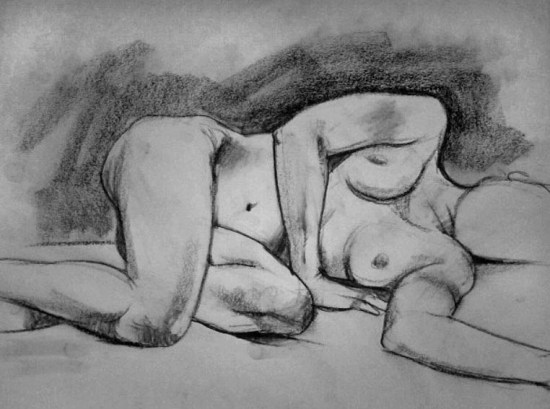
Dec_10

This was from a life drawing drop in class at the Cre8ery here in Winnipeg. It was not a good night for me. This was the only one worth posting. I am hoping got get off my butt and digitize a whole whack of life drawing sketches in the new year.

Dec_09

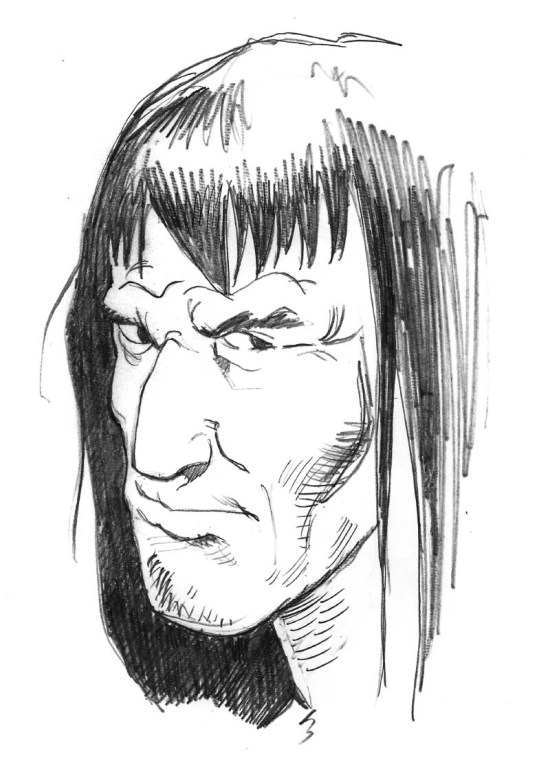
A tough looking barbarian dude. I think I was channelling Joe Kubert for this one.Dec_11

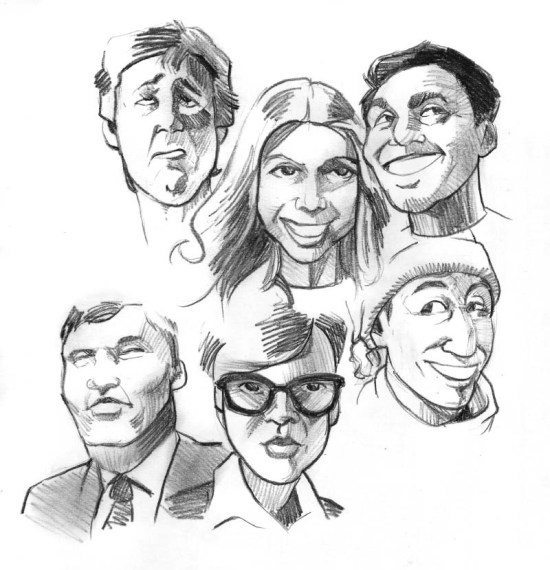
A bunch of faces I drew on my lunch break at my work. This was the image I forget to post.Dec_12

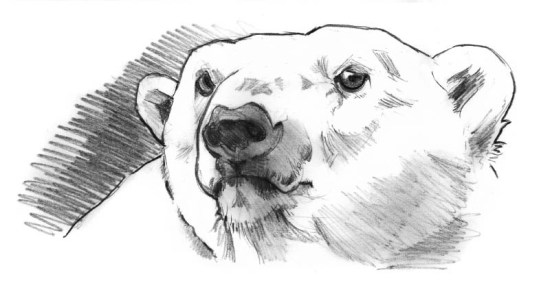
I was drawing (cartoonish) polar bears at work on this day. Inspired me to draw this more realistic pencil sketch.Dec_13

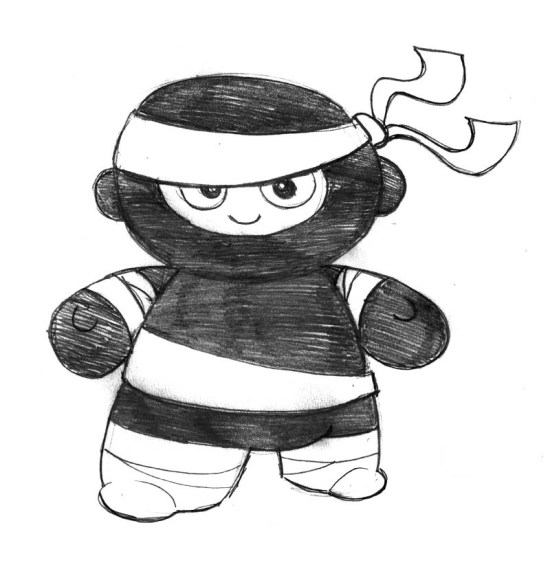
Baby ninja sketch done while watching my son play. Kimmy commented that this could be a good Munny design. Maybe, I have a couple of Foomi designs to take care os sometime in 2014…Dec_14

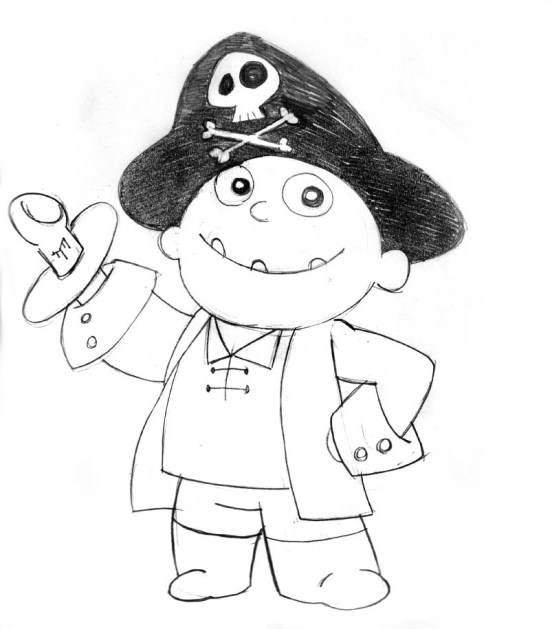
Of course this meant that I had to answer my baby ninja drawing with a baby pirate drawing. Ninja vs Pirates anyone?

A Quick Sketch

Female_Face_Cartoon

Starting November off with just a quick vector image. She’ll deny it, but it is loosely based on my wife.

She says it looks like this girl is ready to fight crime or solve a mystery.

Who knows? She might be right.

Drawn with Adobe Ideas with my iPone and a stylus. Enjoy.

Image of the Month – August 2013

August_2013A


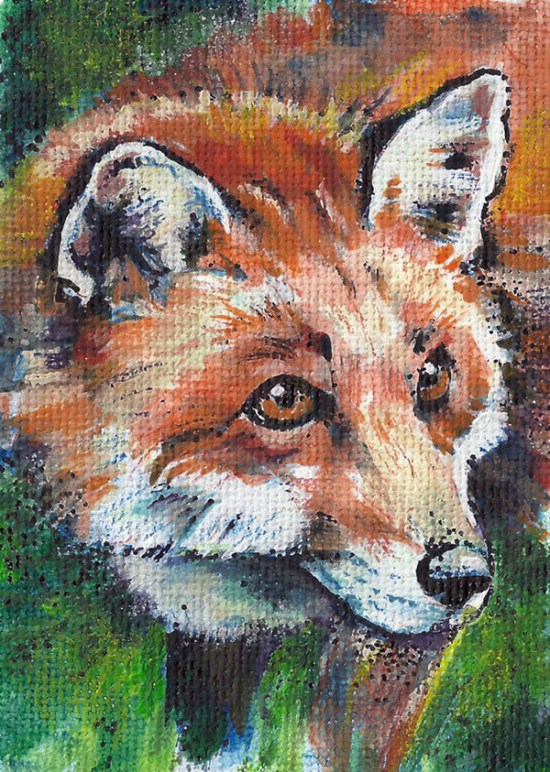
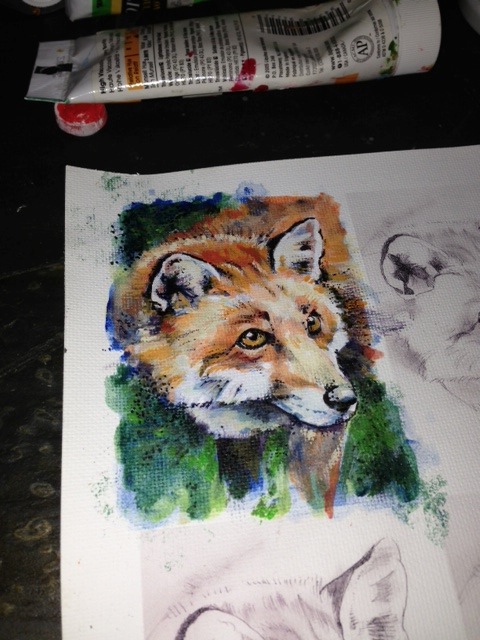
Following the recent success of my first Artist Trading Card and it’s journey through geocacheland, I’ve decided to make a follow up. My previous card is supposedly on it’s way to Europe! And all I thought the card would do was float around geocaches in central Manitoba or Northern Ontario. I’d like to think I was the first person to combine Artist Trading Cards and geocaching, but as with all things, the Internet kinda beat me to it. A lot. But it is still kind of great that the experiment greatly exceeded my expectations.

This one is a little more detailed than the last. Keep in mind, this is a business card sized painting, so detail is kind of at a premium. As with the last one, I started off with a very large pencil drawing, scanned it into the computer, where I scaled the image to size and then printed it out onto textured linen inject paper. I printed out a whole bunch to a sheet just in case I made a serious mistake and had to start over. I then finished off the image using mostly acrylics, with a bit of pencil crayon and some marker for added detail.


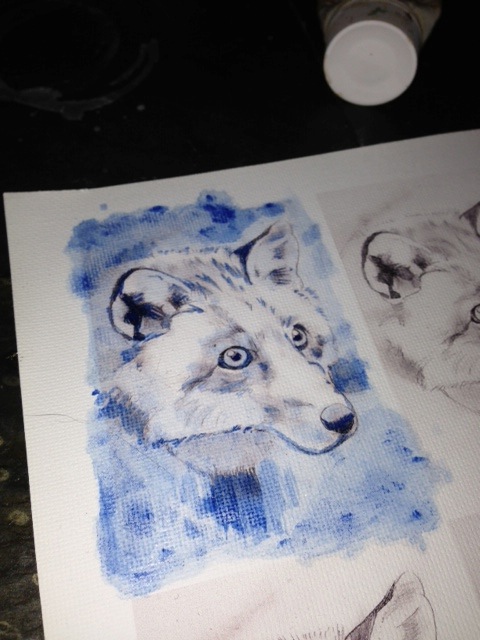
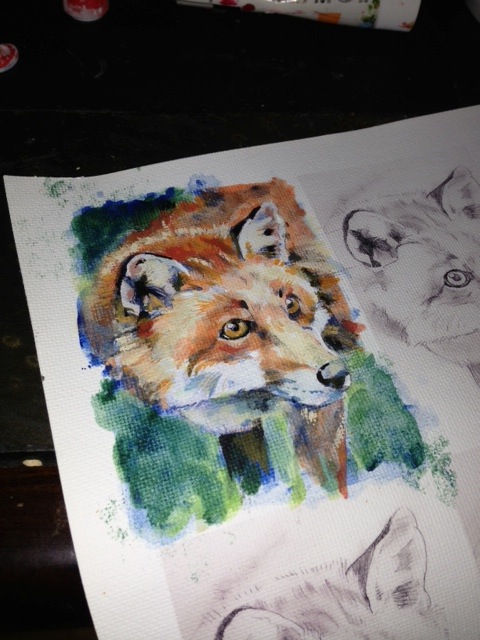
Here are a few snap shots showing step by step how my image came to be.


A Prussian Blue acrylic wash was used for an underpainting. I like to used complimentary colour to establish value on my underpaintings.

A Prussian Blue acrylic wash was used for an underpainting. I like to use a complimentary colour to establish value on my underpaintings.


After all the acrylic work was done.

After all the acrylic work was done.


A bit of pointillism with a fine tip Sharpie to add a bit more contrast and help define some shapes.

A bit of pointillism with a fine tip Sharpie to add a bit more contrast and help define some shapes.

Image of the Month – June 2013

20130625-212348.jpg
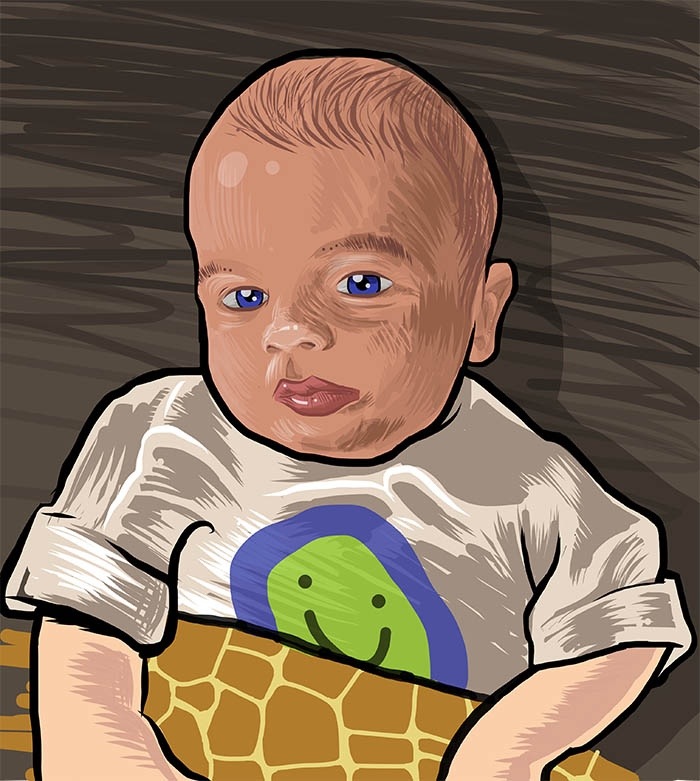
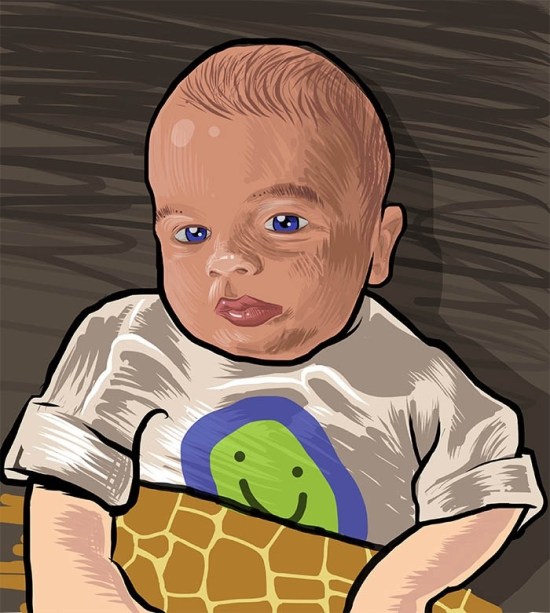
This month, I tried out the app, Ideas, from Adobe. It’s a vector drawing app for the iPhone/iPad. The app was free when I downloaded it about a month ago. I am not too sure it still is. I didn’t have much time to use it before, and I find the whole “finger painting” just doesn’t do it for me. But for Father’s Day I got a rather nice stylus so it was time to put this drawing app thru its paces.

First off, the iPhone make for a rather small canvas. You can zoom in quite a bit and hide most of the interface which was a big help. And drawing with a capacitive touch stylus isn’t quite the same as drawing with a Wacom stylus or even a real pen. Since capacitive touch screens are designed with a finger in mind, the surface area of the stylus is a bit large. Means trying to connect up different lines you’ve drawn is kinda hard to do. Either long, deliberate strokes or short sketchy lines seem to work best.

Oh, and a quick warning. There’s no revert feature. If you screw up a drawing, it might be difficult to get back to a place where you left off. I’d suggest you always work from a copy of you file rather than the actual file. That way if you screw up royally, you can always go back a copy. I understand 3D people and web people are used to working this way. You also have up to 10 different drawing layers. Doing different parts of a drawing on a different layer might also help with a lack of revert to save.

The drawing tools are pretty basic. There’s a pencil, brush, and marker tool. You can adjust colour, opacity, and brush size. I was wanting some larger brushes. There’s also a paint bucket tool to fill in large areas with colour.

Once done, you can share the image on Facebook, Twitter or email a PDF. I think it can also save your drawing to Creative Cloud if you have it (I don’t). The PDF it generates is huge. The art board was almost 60 inches square! The file was also RGB so print guys beware. Converting vector RGB to CMYK can be a messy affair. The complexity of the file wasn’t too bad. This drawing of my son I made generated quite a few shapes and a lot of anchor points, but was still somewhat acceptable.

Enjoy.


Find out more about Adobe Ideas here:

Adobe Ideas on the iTunes Store

Adobe’s John Nack’s blog

Some really great artwork examples